Hand-Drawn Visual Notesv1.0.0
Use this Skill to create explainer graphics.
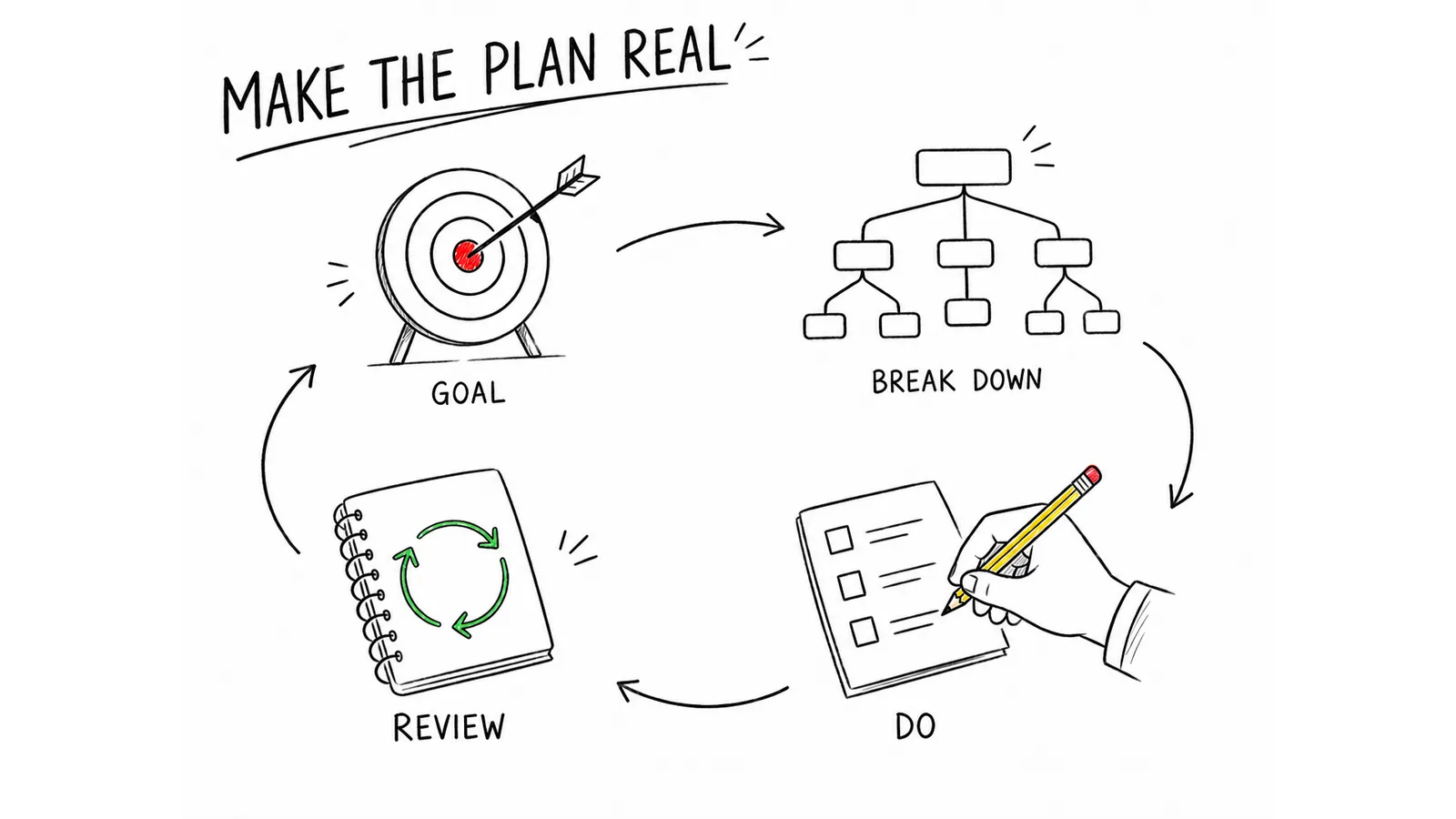
Turn source material into one focused 4:3 visual note, using hand-drawn illustrations, a strong English title, and a small set of accurate labels. It helps educators, creators, and teams make a process or idea easier to understand at a glance without reducing it to a dense slide.
Picked most often by
Updated Sep 22, 2026
Preview gallery
Runs in
Generates with
Similar Skills
View all skillsWhat you get
- One finished 4:3 visual note with a large English theme and three to seven concise nodes
- A source-grounded logic structure built from actors, actions, outcomes, and conditions
- Illustration-led composition with readable text, clear connectors, and balanced whitespace
- A restrained whiteboard palette with thin black pencil lines and small flat color accents
Good fit
- You need to explain a document, lesson, workflow, or argument in one glance
- Your audience benefits from a short English summary and simple visual metaphors
- You want a minimal hand-drawn image rather than a dense infographic template
Not for
- Dense dashboards, long reports, or images that must contain many paragraphs
- Photo-realistic scenes, 3D renders, or polished product mockups
- Pixel-perfect brand typography that must match a licensed typeface
About this Skill

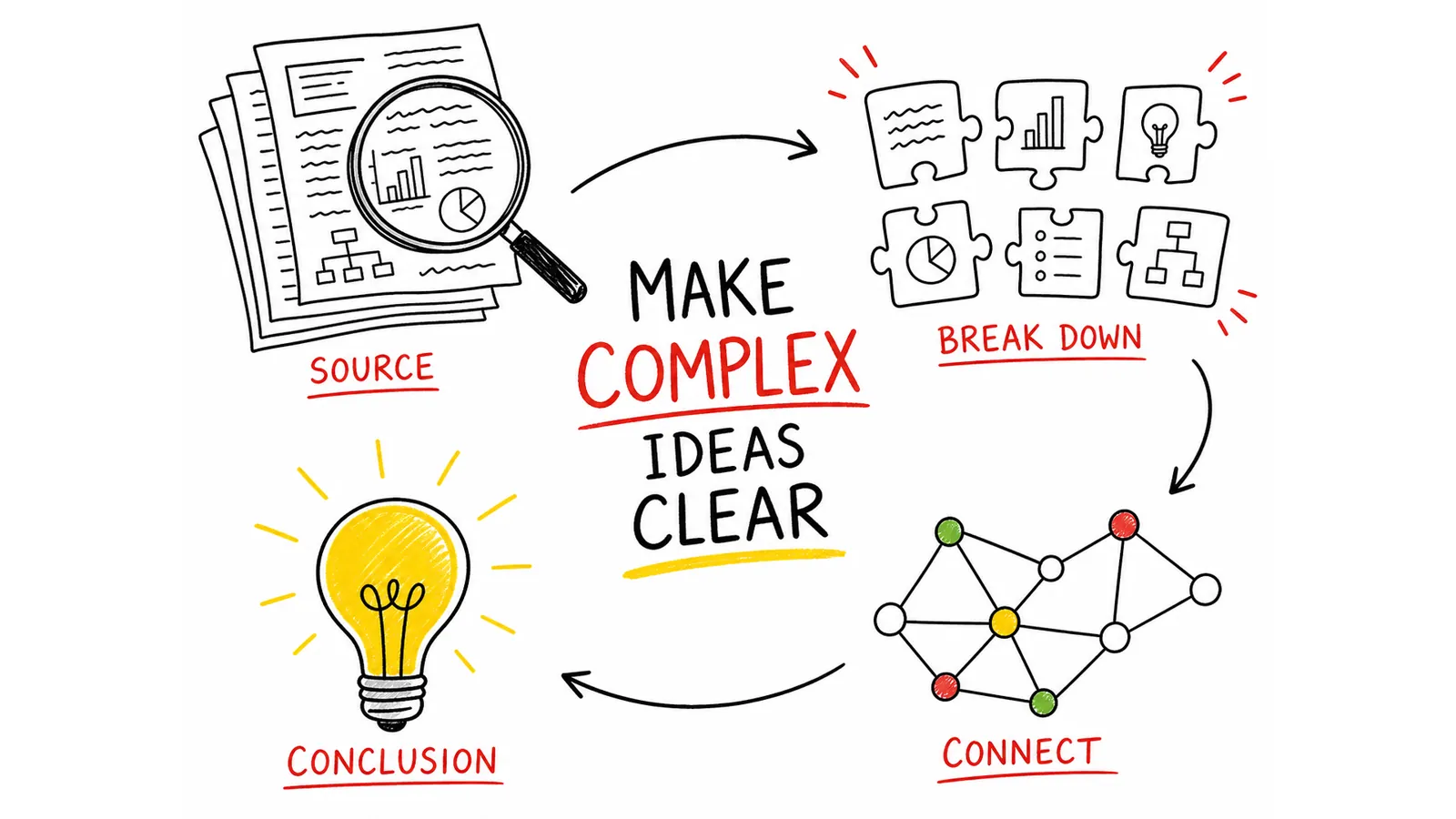
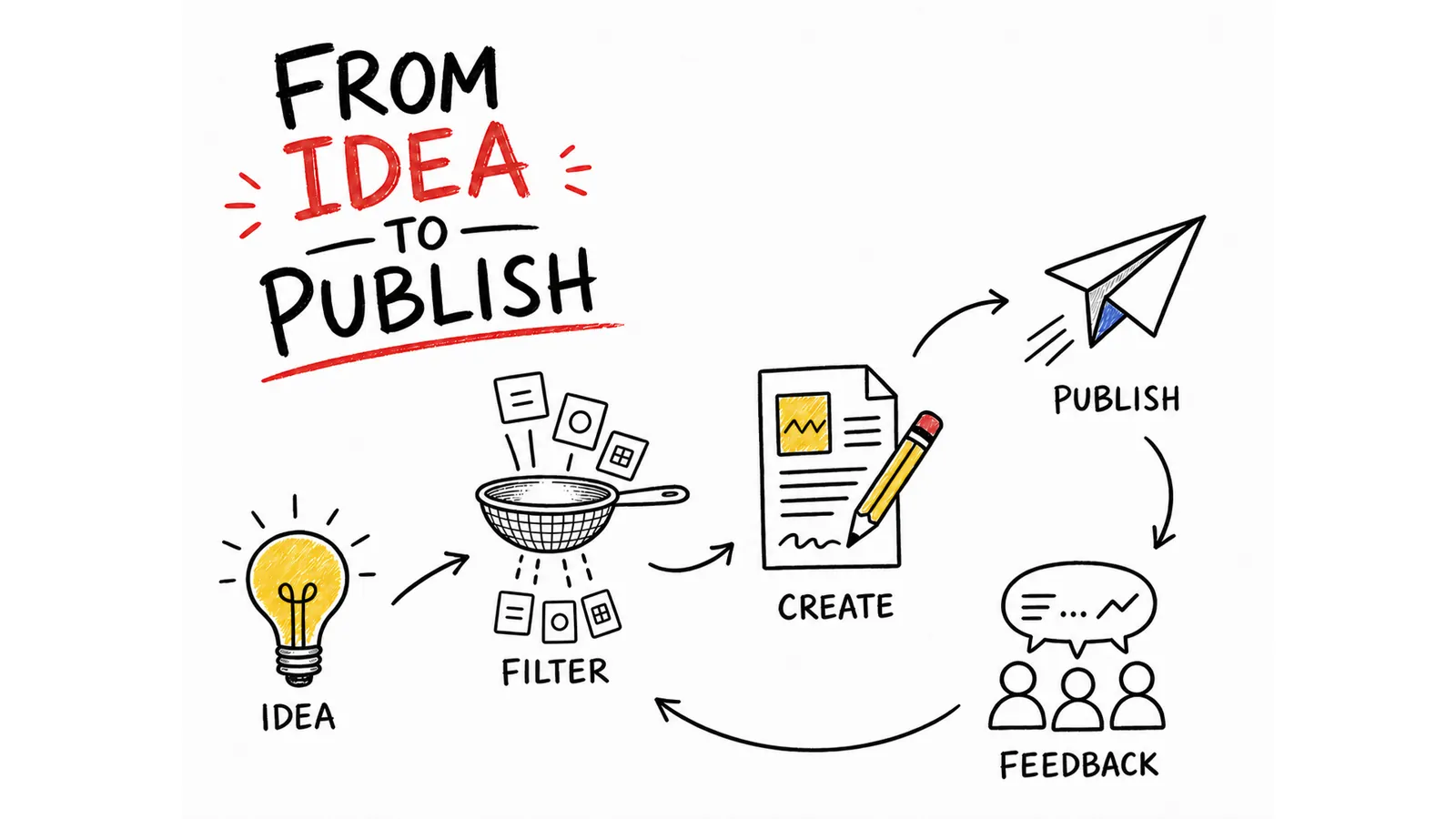
Turn a dense page, lesson, or rough brief into one visual note that explains the idea before the reader has to study every word. The result is a clean 4:3 English-first sketchnote with a large theme, a few exact labels, and hand-drawn illustrations that reveal the logic.
What you get
- One finished visual note focused on a single idea
- A clear process, cause-and-effect chain, hierarchy, comparison, or feedback loop
- Three to seven illustrated nodes with short, checked English labels
- Thin black pencil lines on white, with restrained red, yellow, and green accents

How to use
- Give it the selected text, document, or page you want explained.
- Add an audience or a must-keep term if either one matters.
- Review the proposed theme and labels, then approve image generation.
- Check the finished wording and visual flow before you share it.
English is the default for all examples and generated copy. Ask for another language only when your final audience needs it.
You need a FAL API key when your agent has no built-in image tool; FAL bills each generated or edited image separately.
What you need before you start
- You bring
- Selected text, pasted source material, or an accessible page to explain · Optional audience, emphasis, and terms that must remain verbatim
- Dependencies
- FAL account and API key — required when the host has no native image-generation tool · Node.js 20 or newer — required for the bundled FAL runner
- Outside costs
- FAL charges per generated or edited image when the bundled runner is used. The workflow requires approval before a new paid task and never retries a failed task automatically.
- Last tested
- v1.0.0 — Claude Code / Claude Desktop / Cowork / Codex / ChatGPT
User reviews
Loading reviews…