Minimal Motion Hero


 +6
+6For developers taking an app to market
The last mile of an app includes more than code. You still need release screens, a useful admin surface, a launch page, a clear system diagram, and a story other people can follow. These Skills turn those blocked deliverables into reviewable files.
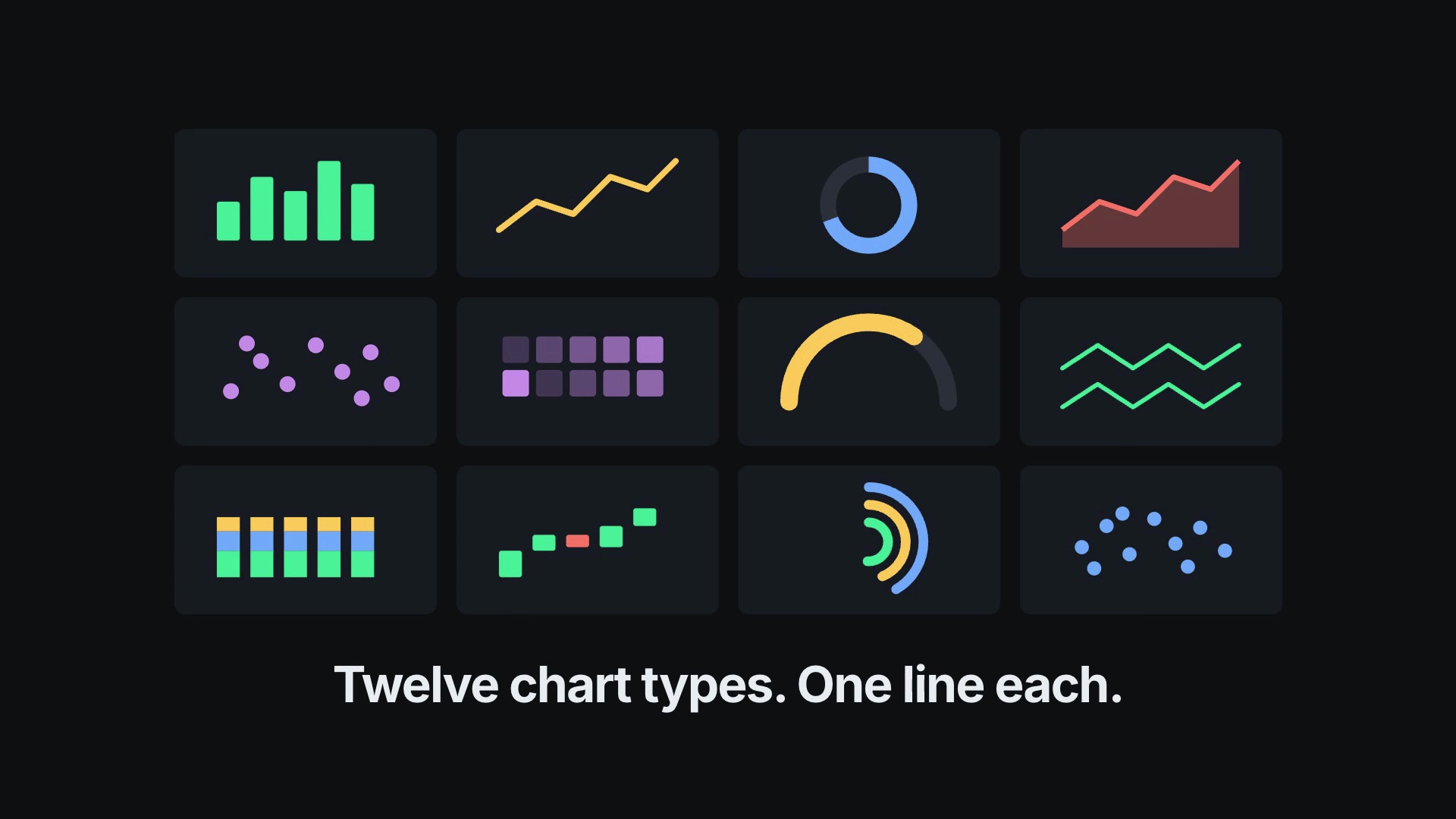


Choose the artifact you need next. Keep generated work close to the product truth and run the project checks before shipping it.
Compare supported agents, required tools, real outputs, and whether the workflow preserves the project conventions you already rely on.
Job 1 of 6
Capture a short story with one benefit per frame, accurate UI, readable type, and the right device sizes.
More Skills for this job are under review.
Run unfamiliar Skills on a branch, inspect their dependencies, and review every changed file. Release speed still needs a recoverable path.
Job 2 of 6
Explain the user problem, show the important product moment, and make the next action obvious.
Job 3 of 6
Turn real roles, states, and data into a dense working interface the team can test in the browser.
Job 4 of 6
Draw services, boundaries, data flow, and failure points clearly enough for a technical review.
Job 5 of 6
Carry the same product promise and screenshot truth across announcement, social, and store assets.
Job 6 of 6
Use real screens and a tight sequence to show what happens before, during, and after the key action.
Every example comes from a Skill shown on this page. The media is here to make the choice easier, not to decorate an empty promise.


Release check
The most useful workflow starts from what already works and leaves the repository easier to continue.
Capture the actual product, including loading, empty, error, and permission states. Invented UI creates support and review problems later.
Ask for one deliverable at a time, preserve local conventions, and run formatting, type, test, and build checks before committing.
Know which runtime, model, browser, API key, and paid provider the Skill needs before it becomes part of release week.
A Skill becomes a repeatable way for your agent to do this job. Your brief and output stay in the project where the rest of the work already lives.
Check the output examples, required inputs, dependencies, and price before you install.
Ask your agent to install the Skill. The trusted guide handles the setup and authorization.
Describe the app developers job in plain language, review the result, and keep the final file.
Works with the agents you already use
Claude CodeCodexCursor Gemini CLI
 Cline
ClineYes when it is built to inspect existing conventions and make scoped edits. Use a branch, review the diff, and run the repository’s own checks.
A strong workflow captures the running app or uses supplied screens as locked source material. Compare every result with the released interface.
Treat generated code as a proposed implementation. Review accessibility, responsive states, data behavior, security, and tests before release.
Each Skill page lists its supported agents and install path. Many work with Codex, Claude Code, Cursor, Gemini CLI, or Cline.
Product roles
Launch work
Browse outputs
Bring the working app and its constraints. Choose one scoped job, inspect the result, and keep the useful workflow in your repo.